 Pinvas
Troubleshooting and FAQ
A message appeared in Blender's status bar#
"There is no picture on the clipboard"#
Ctrl+V found no picture. Copy an image, a screenshot, or picture files in your file manager, then paste again with the mouse over the board.
"Could not read the pasted picture"#
The clipboard held something Pinvas could not read as a picture. The reason is in the brackets after the message. Save the picture to a file and use Import instead.
"Not a picture: notes.txt" and "Could not read missing.png"#
Import or a drop was given a file that is not a picture, or a picture file Blender could not open. Each message ends with the file's own name. Pinvas takes these kinds of file: PNG, JPEG, JPEG 2000, BMP, TGA, TIFF, EXR, HDR, WebP, PSD, DDS, Cineon, DPX and SGI. The pictures that could be read are still added.
"No colour to pick there: click on a picture"#
The eyedropper (E) reads a picture's own pixels, so a click on empty board has nothing to read. Press E again and click on a picture.
Pinvas will not turn on#
"Pinvas Pro is on, and Pinvas cannot run beside it (they share their boards). Turn Pinvas Pro off first."#
You have Pinvas Pro switched on, and the two share their boards, so only one can run. Turn Pinvas Pro off in Edit > Preferences > Add-ons, then turn Pinvas on. See What Pinvas Pro adds.
A picture shows as a red Missing box#
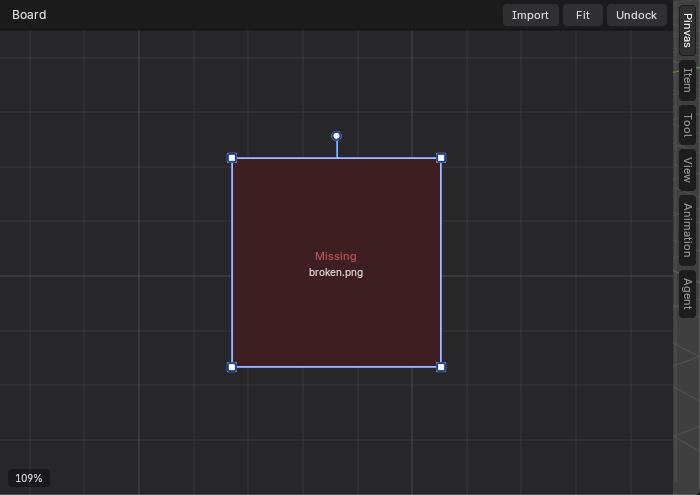
The board cannot show the picture. Either the file was moved or deleted, or it is damaged. Import and drop keep a link to the file on disk, so a moved file shows as Missing. Put the file back where it was, or import it again. To keep pictures inside the .blend, use Blender's File > External Data > Pack Resources. A picture you paste is stored in the .blend already.
Ctrl+P does nothing#
Packing needs at least two pictures on the board. With one picture, or none, there is nothing to arrange.
Letters do things I did not expect#
Over the board, some letters are shortcuts: A selects, G, S and R move, scale and turn, X removes, E starts the eyedropper. Press Esc to drop a running action. They only act while the mouse is over the board.
A picture dropped on the viewport made an image empty#
Dropped anywhere except on the board, Blender does what it always does. Drop on the board and choose Add to Pinvas Board.
Questions#
Which Blender versions work?#
Pinvas needs Blender 5.0.0 or newer.
Does Undock work on every system?#
On Windows, Undock opens a window of its own. On other systems the button is called Float and the board floats over the viewport instead.
Where are my pictures stored?#
In the .blend if they were pasted or packed, and on disk, linked, if they came in through Import or a drop. The board itself, with each picture's place, size, turn, greyscale and opacity, is saved in the .blend.
Is the board saved with my file?#
Yes. The board is saved in the .blend, with the scene it was made in, and each scene has its own. It holds each picture's place, size, turn, greyscale and opacity.
Still stuck?#
See Support for what to send.