 Pinvas
Pick a colour
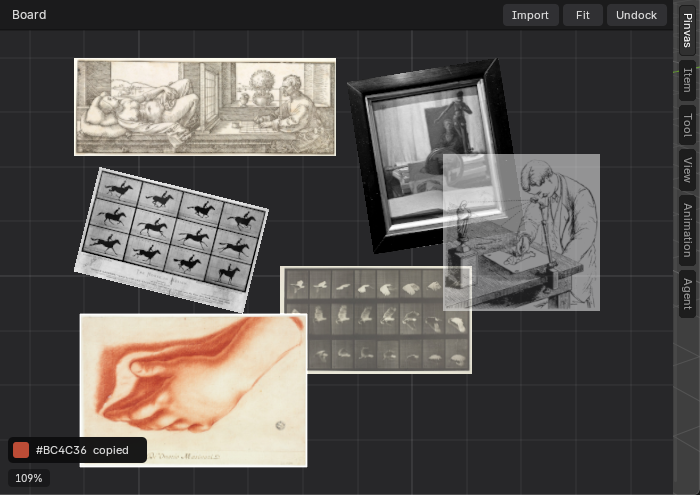
Press E with the mouse over the board, then click a picture. The colour of the pixel you clicked is copied to the clipboard as a hex code such as #BC4C36, ready to paste into a colour field.
- Move the mouse over the board.
- Press E. The cursor becomes an eyedropper.
- Click a picture.
A small strip appears at the foot of the board with a swatch and the code, for example "#BC4C36 copied". It stays for about three seconds, and for as long as the mouse rests on it. Click the swatch to copy the code again.
Press Esc, or right-click, to put the eyedropper away without picking. A click on empty board has no colour to read: Blender's status bar says "No colour to pick there: click on a picture".
On a picture shown in greyscale, the eyedropper gives the grey you see, not the colour of the file.
Next: undock the board.